Room schedule
Current and upcoming meetings for the day.

Show what is happening in each room, welcome visitors and share office news on lobby and meeting room screens.
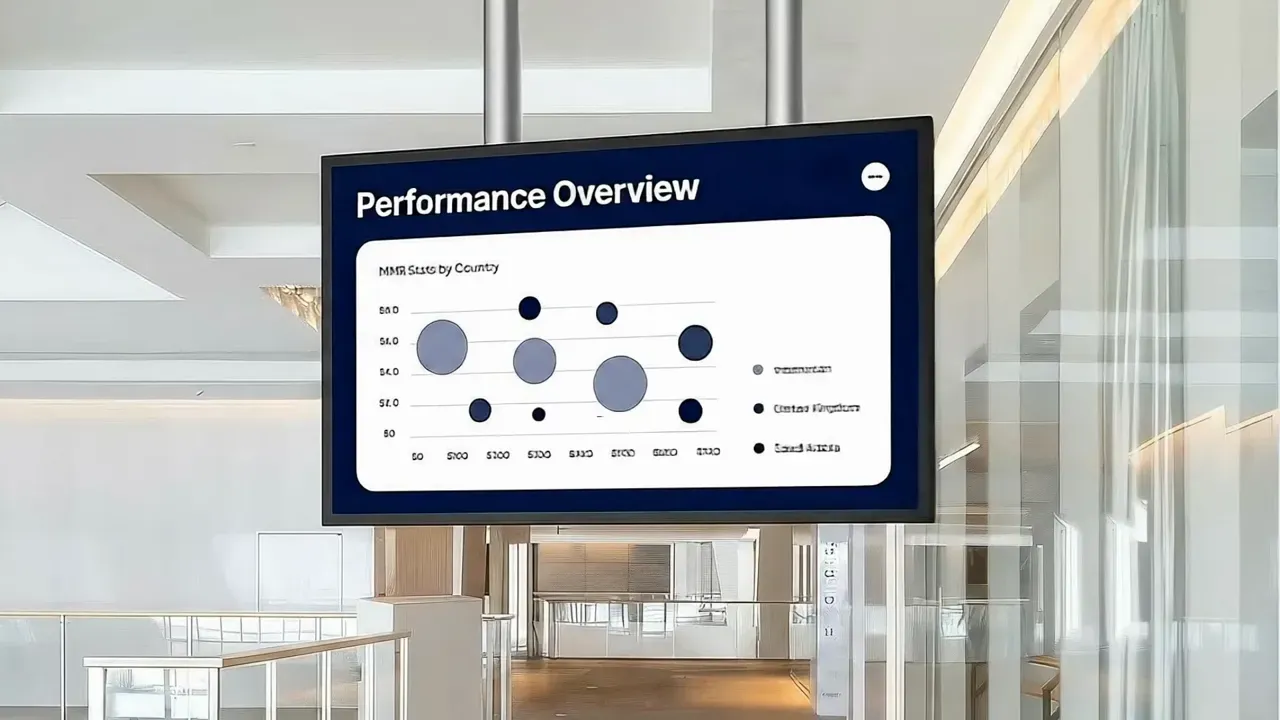
A conference room display is a screen at the entrance of — or inside — a meeting room that shows the room name, the current and next meetings, and other information people need before they walk in.
Combined with lobby and hallway screens, it helps visitors find their room and keeps the office calm and on schedule.
Current and upcoming meetings for the day.
Greet visitors and teams by name at the right time.
Point people to rooms, floors and facilities.
News, events and reminders between meetings.
Open the Pilosign app on your TV or player, enter the registration code and the screen appears in your dashboard.
Start from a template or upload your own images and video, then add live apps like weather, news or dashboards.
Choose which screens show what and when, then publish — updates go live remotely across every location.
Quick answers to the questions teams ask before they put Pilosign on their screens.
Yes. Schedule a welcome screen for a date and time and it appears automatically, then returns to the regular playlist.
A screen, a media player and an internet connection. Pilosign runs on dedicated players, Android TV, Amazon Fire TV and many devices you may already own.
Yes. Every screen appears in one dashboard, so you can group screens by location and update one screen, a group or the whole network at once.
Connect a screen and publish your first room display.
Bring your first screen to life in a few focused minutes.