More attention, more sales
Motion and bright visuals stand out from static posters and drive impulse purchases.

Capture attention in-store and in the window with dynamic promotions and product content you can update across every store in real time.
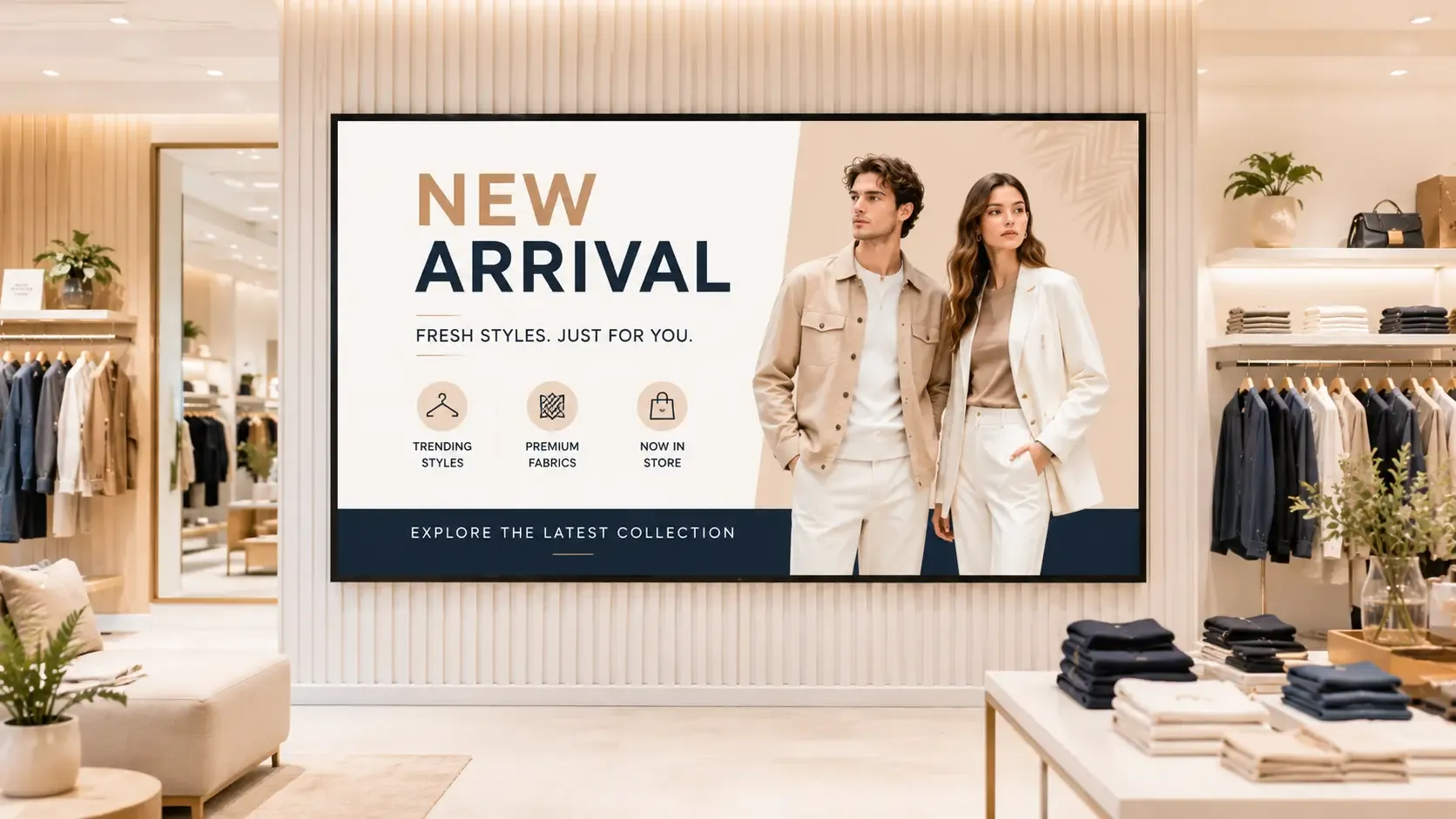
Retail digital signage uses screens in windows, on shelves and at checkout to promote products, share offers and tell your brand story at the moment shoppers decide.
Pilosign helps merchandising and marketing teams roll out campaigns to every store, schedule seasonal content and keep in-store messaging in sync with online offers.
Motion and bright visuals stand out from static posters and drive impulse purchases.
Launch, change or end promotions across every store the moment plans change.
Turn shop windows into eye-catching screens that bring people inside.
Share targets and product training with staff in back-of-house areas.
A few ideas teams start with — mix them into playlists and schedule them by time or location.
Discounts, bundles and limited-time offers.
New arrivals, bestsellers and lookbooks.
Customer reviews and social posts featuring your products.
Opening hours, services, loyalty and click-and-collect.
Plug in a player or open the Pilosign app on your TV, enter the registration code and the screen appears in your dashboard.
Start from a template or upload your own images and video, then add live apps like weather, news or dashboards.
Choose which screens show what and when, then publish — updates go live remotely across every location.
Quick answers to the questions teams ask before they bring screens into the room.
Screens in stores and windows that show promotions, product content and brand messages, managed remotely and updated in real time.
Yes. Group screens by store, region or zone and schedule campaigns for each group.
Pilosign is free to use. Sign up, connect your screens and start publishing content today.
A screen, a media player and an internet connection. Pilosign runs on dedicated players, Android TV, Amazon Fire TV and many devices you may already own.
Yes. Every screen appears in one dashboard, so you can group screens by location and update one screen, a group or the whole network at once.
Pilosign is free to use. Connect your first screen and publish in minutes.
Bring your first screen to life in a few focused minutes.