A supported device
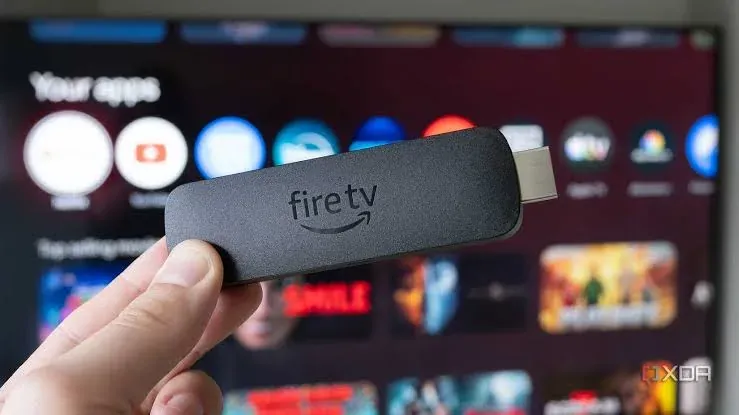
Android TV, Amazon Fire TV or a dedicated signage player. See the player page for the full list.
Turn the TVs you already have into managed digital signage. Sign up for free, connect a screen and publish your first campaign in minutes.
Pilosign is free to use: the content editor, templates, scheduling and remote screen management are included when you sign up.
All you need is a screen, a supported player or smart TV and an internet connection.
Android TV, Amazon Fire TV or a dedicated signage player. See the player page for the full list.
Wi-Fi or Ethernet so the screen can receive updates.
Logos, product images or videos — or start from a template.
Decide what plays when, for example breakfast and lunch menus.
Open the Pilosign app on your TV or player, enter the registration code and the screen appears in your dashboard.
Start from a template or upload your own images and video, then add live apps like weather, news or dashboards.
Choose which screens show what and when, then publish — updates go live remotely across every location.
Quick answers to the questions teams ask before they put Pilosign on their screens.
Pilosign is free to use. Sign up, connect your screens and start publishing content today.
If your TV runs Android TV, or you plug in an Amazon Fire TV stick, you can install the Pilosign app and pair it with your account.
Yes. Every screen appears in one dashboard, so you can group screens by location and update one screen, a group or the whole network at once.
No credit card needed to connect your first screen.
Bring your first screen to life in a few focused minutes.