Internal comms that land
Share news and announcements where people actually look, beyond crowded inboxes.

Get your team on the same page with company news, live dashboards and recognition on screens in every office and meeting space.
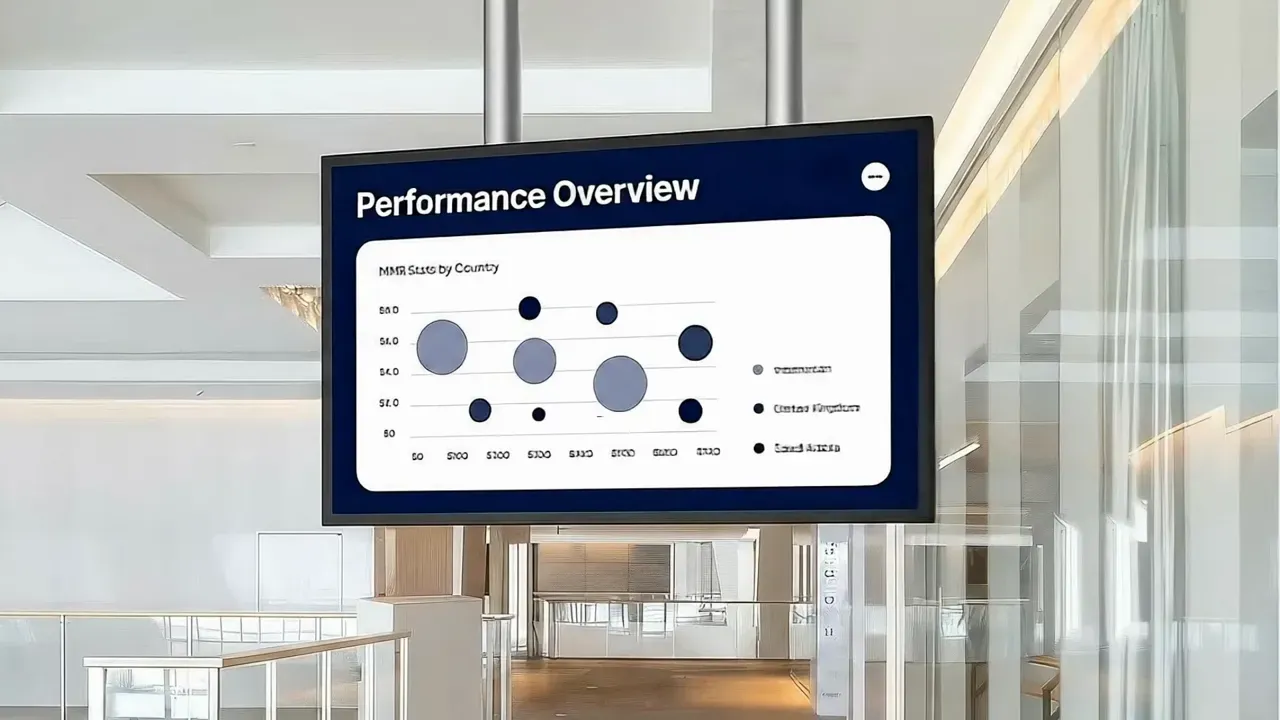
Office digital signage — often called workplace or corporate digital signage — uses screens in lobbies, kitchens and team areas to share internal communications that emails and chat channels miss.
With Pilosign, internal comms and IT teams publish announcements, connect business dashboards and welcome visitors across every office from a single dashboard.
Share news and announcements where people actually look, beyond crowded inboxes.
Display KPIs and dashboards so teams see progress in real time.
Celebrate wins, birthdays and milestones in public.
Welcome guests and guide them around the building.
A few ideas teams start with — mix them into playlists and schedule them by time or location.
Announcements, town halls and leadership updates.
Sales, support and project metrics from your tools.
Welcomes, birthdays, anniversaries and shout-outs.
Meeting rooms, events, safety and building notices.
Plug in a player or open the Pilosign app on your TV, enter the registration code and the screen appears in your dashboard.
Start from a template or upload your own images and video, then add live apps like weather, news or dashboards.
Choose which screens show what and when, then publish — updates go live remotely across every location.
Quick answers to the questions teams ask before they bring screens into the room.
Screens in offices that share internal news, dashboards, recognition and visitor information, managed centrally for every location.
Yes. Pilosign connects with 160+ apps, including dashboards, calendars and social feeds.
Pilosign is free to use. Sign up, connect your screens and start publishing content today.
A screen, a media player and an internet connection. Pilosign runs on dedicated players, Android TV, Amazon Fire TV and many devices you may already own.
Yes. Every screen appears in one dashboard, so you can group screens by location and update one screen, a group or the whole network at once.
Pilosign is free to use. Connect your first screen and publish in minutes.
Bring your first screen to life in a few focused minutes.