Restaurant Digital Signage: 10 Use Cases for Faster Updates
Ten ways restaurants use digital signage to update menus, prices and offers faster: dayparts, local pricing, limited-time offers, queues and more.
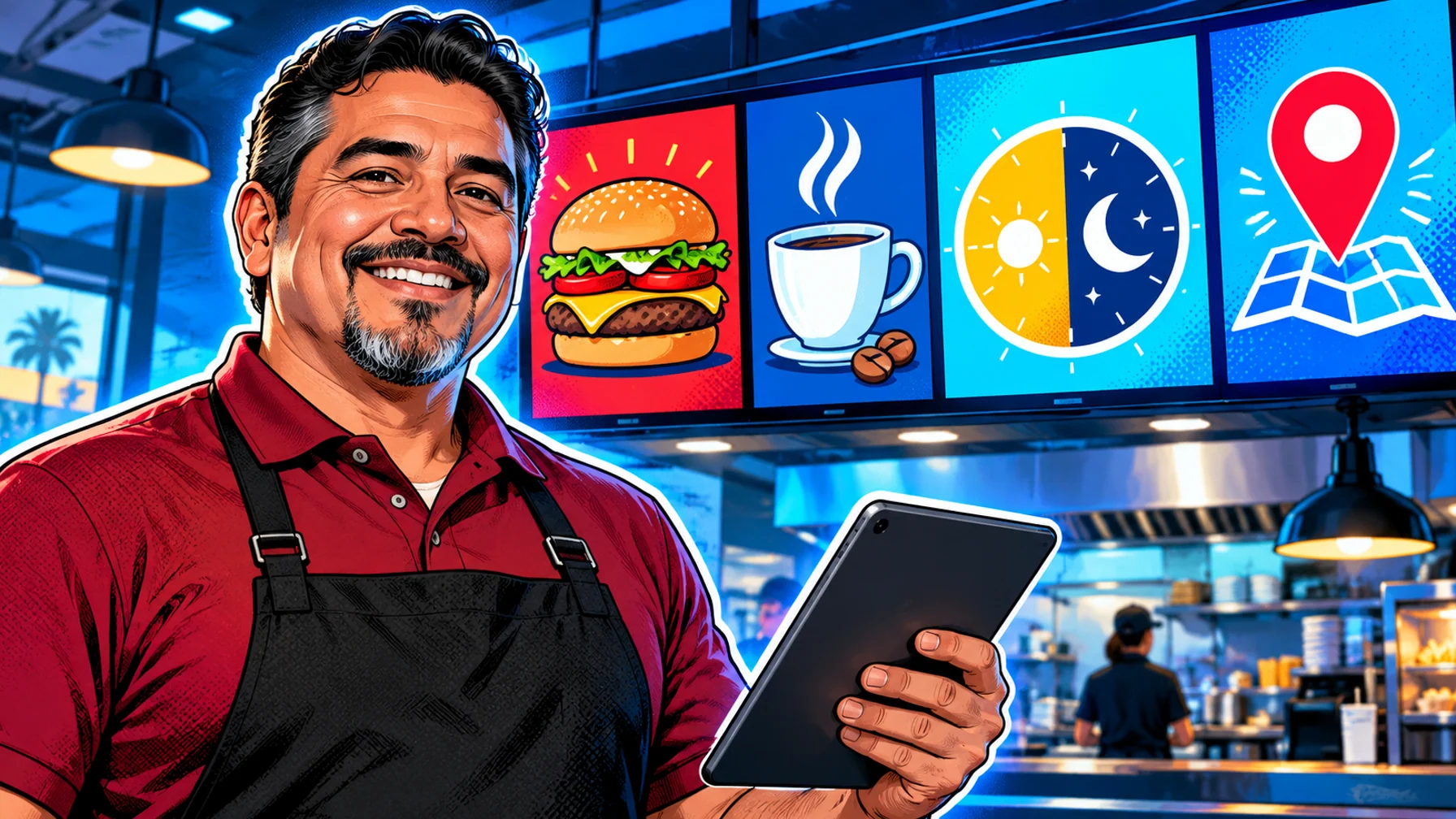
Restaurant digital signage replaces printed menu boards and posters with screens you can update remotely. The biggest benefit is speed: a price change, a sold-out item or a new offer reaches every screen in minutes instead of waiting for a reprint. Here are ten practical ways restaurants, cafés and quick-service chains use screens, from daypart menus to kitchen notices, and what each one needs to work well.
1. Daypart menus that switch on their own
Schedule breakfast, lunch, dinner and late-night menus by time of day so the right items show without anyone touching the screen. This is the single most valuable use of digital menu boards.
2. Price changes in minutes
When costs move, update a price once and publish it to every location, or only to the stores affected. No reprints, no mismatched boards.
3. Local prices and items
One menu template can show different prices or items per location, so a city-centre store and a highway store stay on brand while reflecting local pricing.
4. Limited-time offers
Launch a seasonal item or a promotion on every screen on the same day, and let it end automatically on its last day so expired offers never linger.
5. Combos and upsells
Place meal deals and add-ons next to the items they go with. A screen can rotate upsells by daypart: a pastry with morning coffee, a dessert after lunch.
6. Short menu videos
Motion draws the eye. A short loop of a hero product (steam rising from a coffee, a burger being assembled) near the counter can lift attention on the items you want to sell.
7. Sold-out and allergen updates
Hide an item the moment it sells out, and keep allergen and dietary information up to date and readable.
8. Queue and order-ready screens
Show waiting times or order-ready messages near the pick-up area so customers know what is happening.
9. Drive-thru boards
Outdoor and drive-thru screens benefit most from scheduling and remote updates, because they are the hardest to change by hand. Use a reliable dedicated player on a wired connection.
10. Staff and kitchen notices
Back-of-house screens share shift notes, food-safety reminders and training clips with a team that rarely sits at a computer.
How to get started
Start with one screen and one use case, usually the main menu board. Pick a template, set your dayparts, then add locations. Pilosign is free to use: connect your first screen and see the restaurant digital signage page for more ideas.
FAQ
What is the best first use case for a restaurant? Daypart menus: they save time every day and show customers the right items at the right moment.
Can each location show its own prices? Yes. Use one template and set location-specific prices or items.
What hardware do restaurants need? A commercial display, a player or supported smart TV, and a stable connection. Dedicated players are recommended for drive-thrus.