Hotel Digital Signage: Lobbies, Wayfinding and Guest Information
How hotels use digital signage in lobbies, lifts and meeting areas: welcome screens, wayfinding, event schedules, amenities and local information.
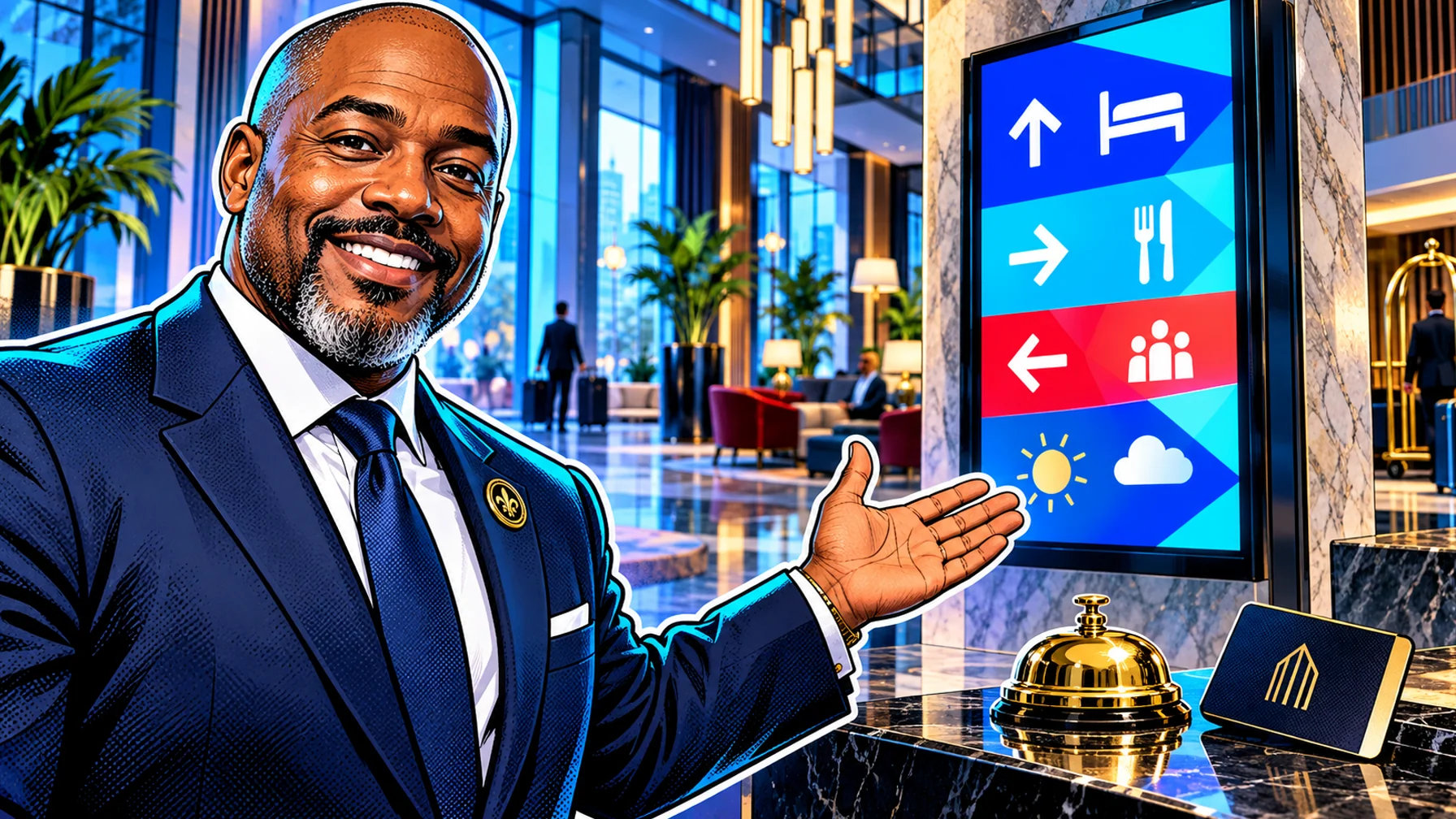
Hotel digital signage puts welcome messages, directions, event schedules and guest information on screens in the lobby, by the lifts, outside meeting rooms and in restaurants and bars. For guests it answers the questions they would otherwise ask at the front desk: where is my meeting, when does breakfast close, what is on tonight. For the hotel it promotes amenities and keeps every screen current without printing signs. This guide covers where screens work best in a hotel, what to show on each, how to run events and wayfinding, and how to manage screens across one property or a group from one dashboard.
Where screens work best in a hotel
Lobby and reception. The first screen guests see. A welcome message, today's events, weather and local information, and the amenities you want to promote.
Lifts and lift lobbies. People wait here for a few seconds every time. Short messages work: breakfast times, spa offers, the rooftop bar.
Meeting and event areas. Directions to rooms, the day's schedule and personalised welcome screens for groups and conferences.
Restaurants and bars. Menus, specials and happy hours, scheduled by time of day.
Back of house. Staff notices, shift information and training reminders for teams that rarely sit at a computer.
What to show guests
Welcome screens. Greet arriving groups or conference delegates by name at the right time, then return to the normal playlist.
Today at the hotel. Events, meeting rooms in use, breakfast and restaurant hours.
Amenities. Spa, gym, pool, room service and restaurant offers, rotated so each gets its moment.
Local information. Weather, transport, nearby attractions and tips. Live apps such as weather and news keep this content fresh without daily edits; Pilosign supports live apps like weather and news alongside your own slides.
Practical information. Wi-Fi details, check-out times and how to contact reception.
Wayfinding for hotels and event spaces
Large hotels and conference venues need clear directions. Digital wayfinding screens at entrances and junctions show where each meeting room or event is and update when rooms change. Keep directions simple: room name, arrow and floor. Avoid crowded maps on small screens. The digital wayfinding page shows how directories and directions work on screens.
For meeting rooms, a screen at each door showing the room name and the current session helps delegates find the right place. Our guide to conference room digital signage covers room displays in detail.
Events and groups: schedule ahead
Events are where hotel signage saves the most time. Build each event's content when the booking is confirmed: a welcome screen, directions, the agenda and any sponsor slides. Schedule them for the event days and times, on the screens in the relevant areas, and let them disappear when the event ends. No one needs to remember to change the screens on the morning of the event.
Restaurant and bar screens
Hotel restaurants and bars use the same techniques as any restaurant: menus by daypart, specials and drinks promotions. Breakfast in the morning, lunch specials, happy hour in the evening, all switching on their own. Our pillar complete guide to digital menu boards covers menu design, dayparts and pricing, and digital menu boards shows the workflow.
Managing screens across a property or a group
Hotels often have screens in many areas managed by different teams: front office, events, food and beverage. Group screens by area so each team updates its own screens, while one dashboard shows the whole property. For hotel groups, the same model extends across properties: shared brand templates, local content per hotel.
In Pilosign every screen appears in one dashboard; you group screens by location or area and update one screen, a group or the whole network. Pairing a new screen takes a registration code shown on the TV, and Pilosign runs on dedicated players, Android TV and Amazon Fire TV, so many hotels can start with screens they already have.
Content tips for hotel screens
Match the brand. Hotel guests notice quality. Use templates in your brand style and good photography.
Keep it calm in public areas. Gentle motion and longer slides suit lobbies better than fast loops.
Short messages near lifts. People have seconds; one message per slide.
Multiple languages where needed. Rotate key messages in the languages your guests speak.
Refresh often. A lobby screen that never changes stops being seen.
Getting started
Start with the lobby screen and one event area. Set up a welcome template, a daily schedule and one amenity promotion. Once the team is comfortable, add lift lobbies, restaurant screens and wayfinding. See the hospitality digital signage page for more ideas.
Content calendar for a hotel
A simple monthly content calendar keeps hotel screens fresh without daily work.
Every day. Today's events and meeting rooms, breakfast and restaurant hours, and the weather. Events come from the booking schedule; the weather comes from a live app.
Every week. One featured amenity, such as the spa, a dinner menu or a weekend brunch, rotated so each gets attention.
Every month. Seasonal content: local festivals, holiday menus, summer terrace or winter offers.
Per event. Welcome screens, agendas and directions for each group or conference, scheduled for the event days only.
Assign an owner to each type of content. Front office owns daily information, events owns group content, food and beverage owns menus and promotions.
Measuring the value of hotel screens
Hotel screens are rarely measured, but a few simple signals show whether they work. Front desk questions: fewer questions about directions, breakfast times and Wi-Fi after the screens go live. Amenity uptake: bookings at the spa or restaurant during the weeks an amenity is featured, compared with weeks it is not. Event feedback: comments from organisers about how easily delegates found their rooms. Staff time: hours no longer spent printing and changing paper signs for events.
Collect these signals for a month before and after the rollout, using your own booking and front office data.
Hardware and placement in a hotel
Hotel screens sit in very different places, so choose hardware by location rather than buying one model for everything.
Lobby. A large commercial display, mounted where guests look while they wait at reception, not behind the desk where staff block the view. Portrait screens suit directories and welcome messages; landscape suits events and video.
Lift lobbies. Smaller screens at eye level, close to the lift call buttons, with short messages that can be read in a few seconds.
Meeting rooms. A compact screen at each door, high enough to be seen over a queue of delegates.
Restaurants and bars. Screens placed where guests decide what to order, such as the entrance or the bar counter, with menus large enough to read from the table.
Players. Use the same player model across the property so replacements are simple. Wired Ethernet is worth it for the lobby and event areas, where a blank screen is noticed by everyone.
Label each screen in the dashboard with its exact location, such as "Lobby – left of reception" or "Level 2 – Ballroom A", so the team always knows which physical screen they are updating.
Accessibility and guest comfort
Good hotel signage works for every guest. Use large text and strong contrast, keep slides on screen long enough to read, and avoid flashing or fast transitions. Place directional screens at a height that also works for guests in wheelchairs. Rotate key information in the main languages of your guests. In bedrooms and quiet areas, keep screens dimmed or switched off at night; in public areas, schedule a calmer playlist for late evening.
FAQ
What is hotel digital signage? Screens in lobbies, lifts, meeting areas and restaurants that welcome guests, show directions and events, and promote amenities, managed centrally.
Can we show personalised welcome messages for groups? Yes. Schedule a welcome screen for the group's arrival time and it appears automatically.
Do we need new TVs? Not always. Many smart TVs and streaming sticks can run a signage player app; important public screens benefit from commercial displays and dedicated players.
Can different teams manage different screens? Group screens by area so front office, events and food and beverage each look after their own content.
Ready to welcome guests on screen? Start with free digital signage software, or talk to us about a property-wide rollout.