Digital Signage Player Guide: Hardware, Operating Systems and Offline Playback
How to choose a digital signage player: streaming sticks vs dedicated players, operating systems, offline playback, mounting and remote recovery.
A digital signage player is the small computer behind a screen that downloads your content and plays it on schedule. Choosing one comes down to four questions: which form factor fits the screen (a streaming stick, a dedicated player or the TV's own system), which operating system your signage software supports, how well it handles offline playback, and how you will recover it remotely when something goes wrong. This guide compares the options so you can match the player to the job.
The three kinds of players
Built-in smart TV systems. Many displays run Android TV or Google TV and can install a player app directly. Cheapest option, fine for light use, but consumer TVs are not always designed to run 12+ hours a day.
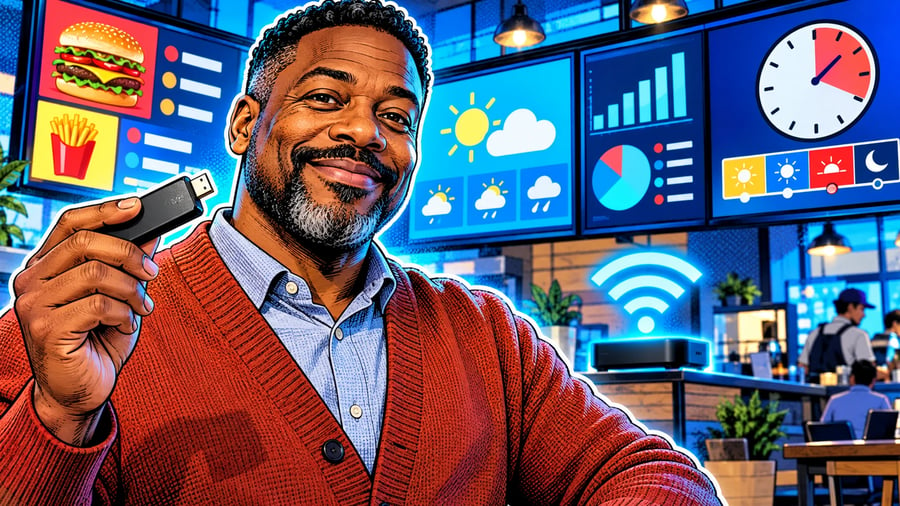
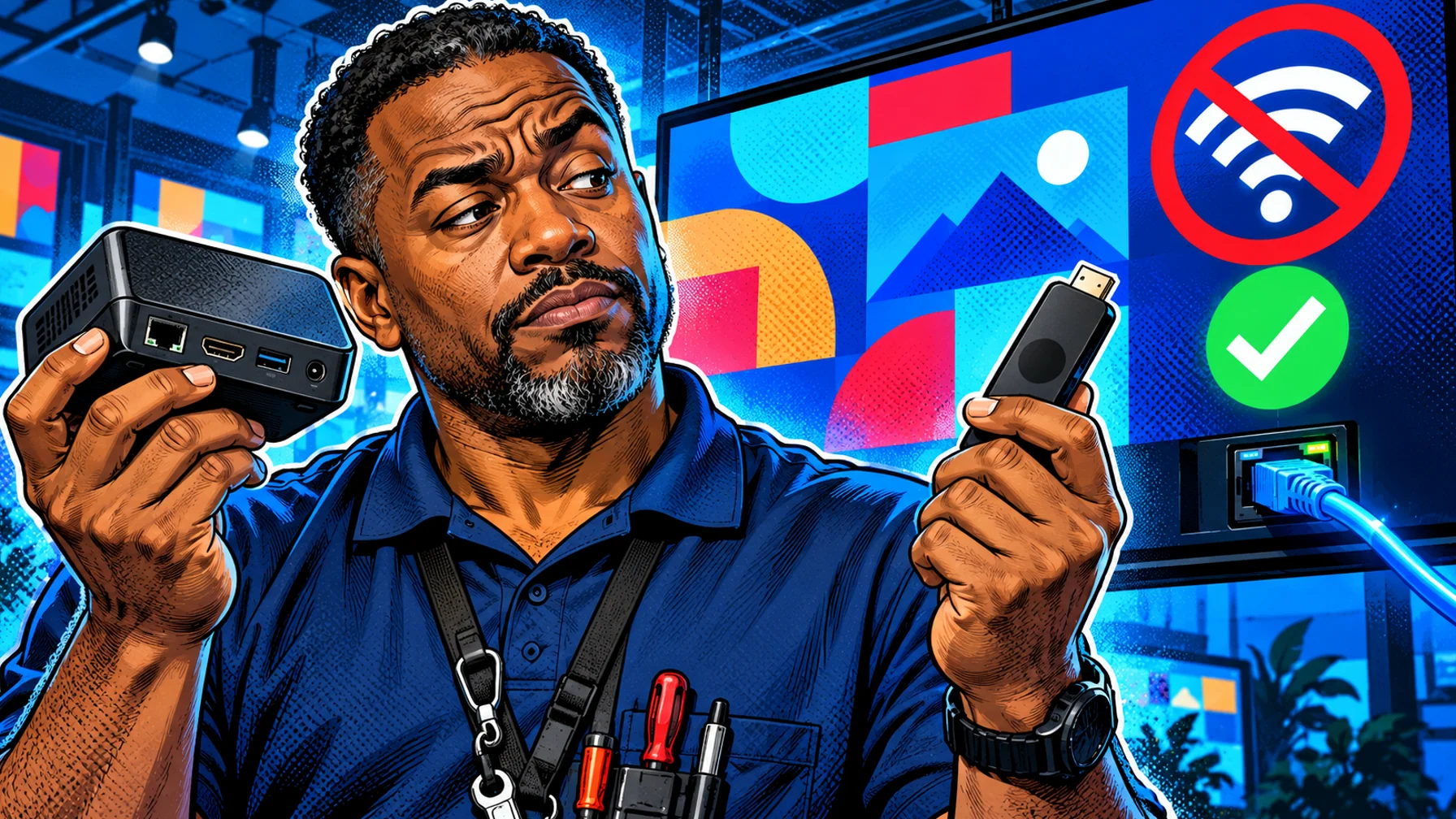
Streaming sticks. A stick such as an Amazon Fire TV Stick plugs into any HDMI screen. Affordable and easy to replace, good for menus, lobbies and small offices.
Dedicated signage players. Purpose-built boxes made for screens that run all day: better cooling, wired networking, reliable power-on behaviour and mounting options. The right choice for drive-thrus, retail windows and large networks.
Operating systems
Your signage software decides which systems you can use. Android-based devices (Android TV, Fire TV) are the most common for app-based signage because they are inexpensive and widely available. Before buying hardware in bulk, confirm the exact models your software supports. Pilosign runs on dedicated players, Android TV and Amazon Fire TV: see the supported players.
Offline playback: ask before you buy
Networks fail. A good player keeps playing the content it has already downloaded when the connection drops and resyncs automatically when it returns. Ask your vendor three questions: Does content play from local storage? What does the screen show if the network is down at power-on? How quickly do changes arrive once the connection is back?
Remote management and recovery
The most expensive part of a screen network is a site visit. Look for a dashboard that shows which screens are online, lets you push updates to one screen or a group, and helps you spot a player that has stopped. On the hardware side, choose players that power back on automatically after an outage and keep the app in the foreground.
Installation tips
Use wired Ethernet where you can, especially for screens that matter to revenue. Mount the player behind the screen with airflow, not inside a sealed box. Label each player with its location so the dashboard name matches the real screen. Disable sleep and auto-update prompts that can interrupt playback.
Which player for which job?
One TV in a café or office: the TV's own system or a streaming stick. Menu boards and drive-thrus: dedicated players on wired networks. Many locations: standardise on one or two models so setup and replacement are predictable. For menu screens, see digital menu boards.
FAQ
Do I need a separate player for every screen? Usually yes: each screen needs its own player or a smart TV that runs the app, so it can play its own schedule.
Is a streaming stick reliable enough? For light use, yes. For screens that run all day or matter to sales, a dedicated player is safer.
Can I mix player types? Yes, as long as your software supports each one; standardising helps when you scale.
Start with the hardware you have: connect a screen for free and see how it runs.