
Digital Signage for Retail: Promotions, Windows and Local Offers
How retailers use digital signage for in-store promotions, window displays and local offers, with scheduling tips and a simple rollout plan.
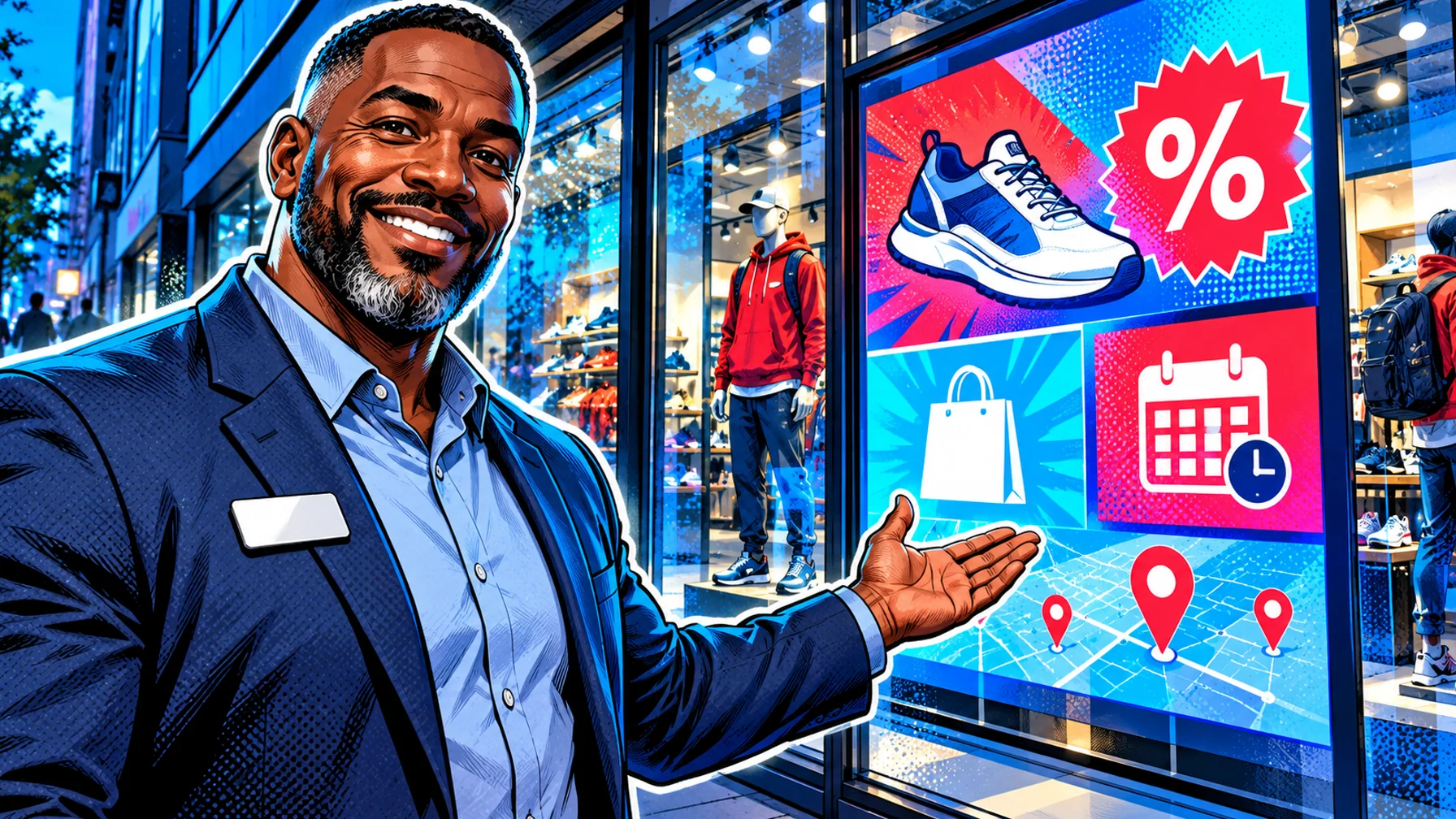
Digital signage for retail puts promotions, new arrivals and local offers on screens in windows, at the entrance, in aisles and at checkout. Compared with printed posters, screens let you change the message by time of day, by store and by campaign, and switch it everywhere at once. This guide covers where screens work best in a store, what to show on them, and how to run promotions across several locations without extra work.
Where screens work best in a store
Windows: catch people walking past with one bold message and a strong image. Vertical displays work well here. Entrance: welcome customers and point them to the offer of the week. Aisles and end caps: support a product or category with a short loop. Checkout: last-minute offers, loyalty sign-ups and store services.
What to show
Promotions with clear start and end dates. New arrivals and seasonal collections. Local offers that differ by store or region. Social proof such as reviews or "best seller" highlights. Store information: opening hours, services, click-and-collect.
Scheduling promotions across stores
Plan campaigns in advance: start and end dates, the stores involved and the screens each message runs on. Scheduling by time of day lets a window show one message in the morning commute and another in the evening. Expiry dates keep old offers off the screens automatically.
Local offers without extra work
Use one template per campaign and change only what differs per store: price, product or local event. Head office keeps the brand consistent while store teams adapt the details.
Content tips for retail screens
One message per screen. Large product images, little text. Motion in the window, calmer loops inside. Refresh often: a window that never changes stops being noticed.
A simple rollout plan
Start with the window or entrance screen in one store. Measure what you can (footfall, sales of the promoted item during the campaign), then roll out to more screens and stores. Connect your first screen for free, and see the retail digital signage page for more ideas.
FAQ
What hardware do I need for a shop window? A bright commercial display suitable for windows, a player and a stable connection. Consumer TVs are often not bright enough for direct sunlight.
Can each store show different offers? Yes. Use one template and vary the details per location.
How often should window content change? At least with every campaign, and ideally by time of day.