Digital Menu Board Software: Features to Compare
What to compare in digital menu board software: templates, daypart scheduling, local pricing, multi-location control, players and reliability.
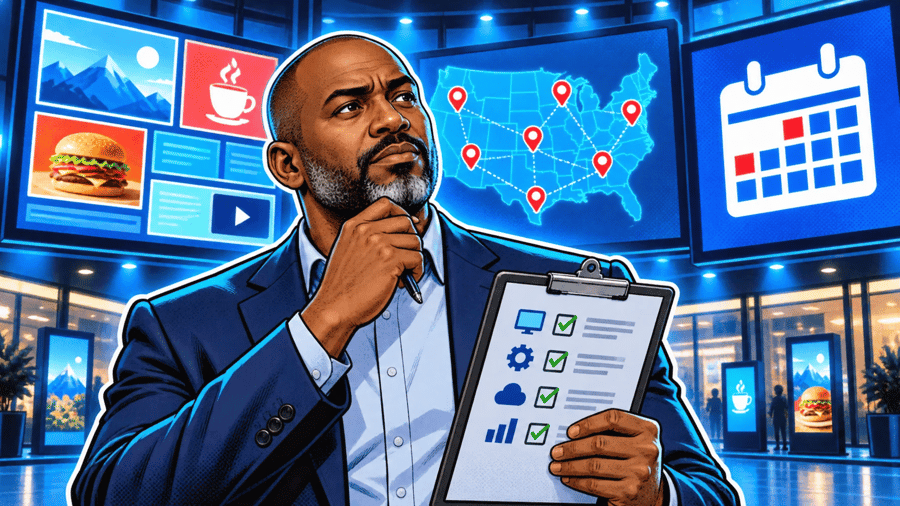
Digital menu board software is the system you use to design menus, schedule them by time of day and publish them to the screens in your restaurants. When you compare tools, focus on what saves time every week: templates that stay on brand, daypart scheduling, local prices per store, multi-location control, the players it supports and how reliable playback is. This checklist explains what to look for in each area and the questions to ask before you choose.
Templates and design
Look for menu templates you can adapt to your brand, with readable layouts at a distance: large prices, clear categories and room for photos. Check that you can lock brand elements (logo, colours, fonts) so local teams can change items without breaking the design.
Daypart scheduling
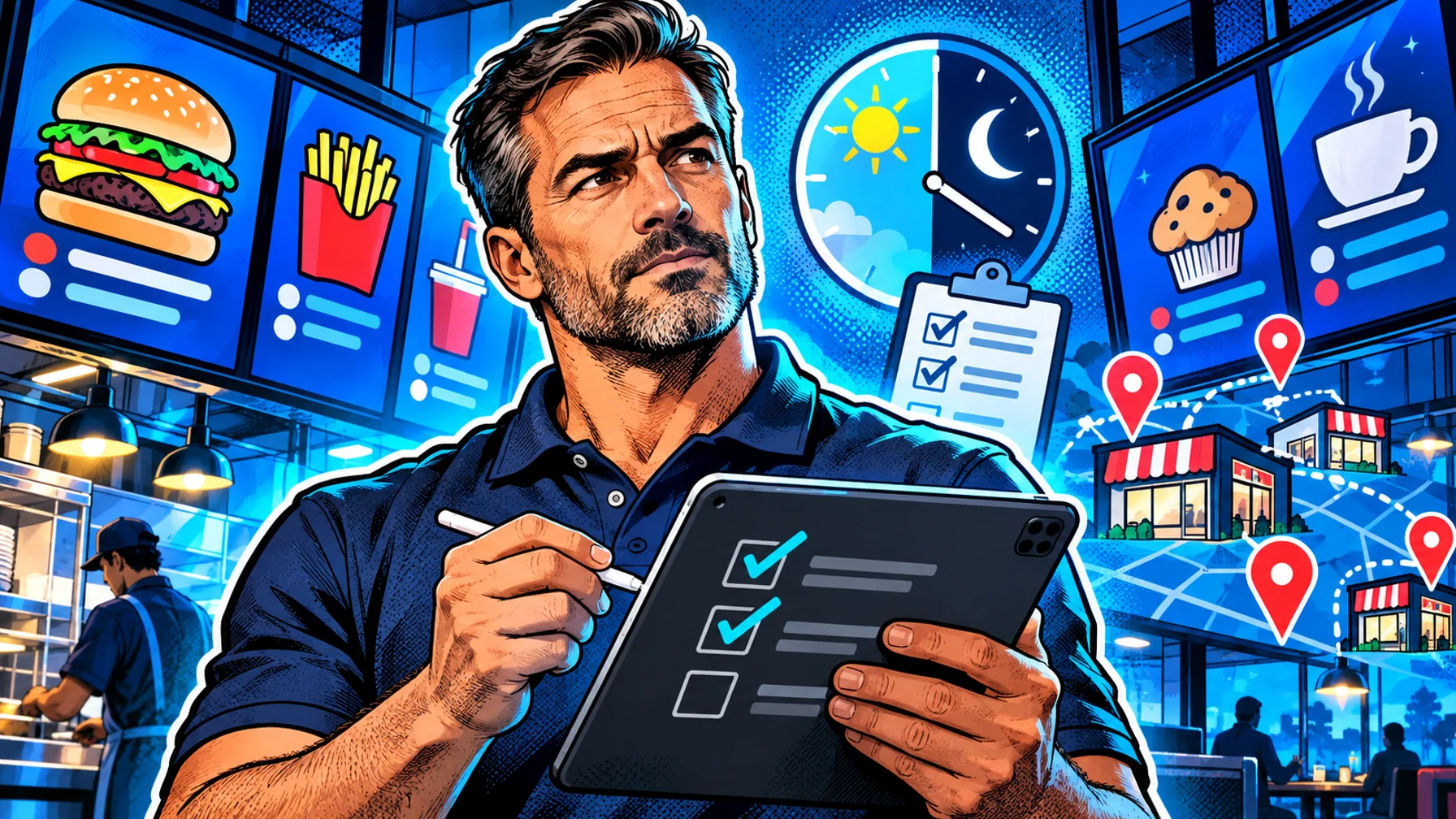
The menu should change on its own for breakfast, lunch, dinner and late night, and for weekdays versus weekends. Ask whether you can schedule a single board, a group of screens or the whole chain at once.
Local prices and items
Chains rarely charge the same price everywhere. The software should let you keep one template and vary prices or items per location, without copying and maintaining dozens of separate menus.
Promotions with start and end dates
Limited-time offers should start and stop automatically. Check that a promotion can be scheduled in advance and expires on its own, so last month's deal never stays on screen.
Multi-location control and permissions
For more than one store, you need a dashboard that groups screens by location, shows which ones are online, and lets head office and store managers each do their part.
Players and reliability
Check which devices are supported: dedicated players, Android TV, streaming sticks. Ask how screens behave when the network drops and how you know a screen has stopped. Read our player guide for the hardware side.
Media: photos and video
Menu boards sell with images. Make sure the software handles high-resolution photos and short videos, and that playback stays smooth on your chosen player.
Comparison checklist
Templates: on-brand, readable, lockable. Scheduling: dayparts, weekdays, groups. Local pricing: one template, many price lists. Promotions: scheduled start and end. Locations: grouping, status, roles. Players: supported models, offline behaviour. Cost: per screen, and what the free plan includes.
FAQ
Do I need special software for menu boards, or can I use a slideshow? A slideshow works for one screen. As soon as you need dayparts, price changes or several locations, menu board software saves hours.
Can I try menu board software for free? Yes. Pilosign is free to use: start with a free account and see digital menu boards for how it works.