AI Menu Video Templates for Restaurants and QSR Campaigns
How restaurants use AI to turn menu items into short screen videos: briefs, brand rules, variants, approvals and scheduling on digital menu boards.
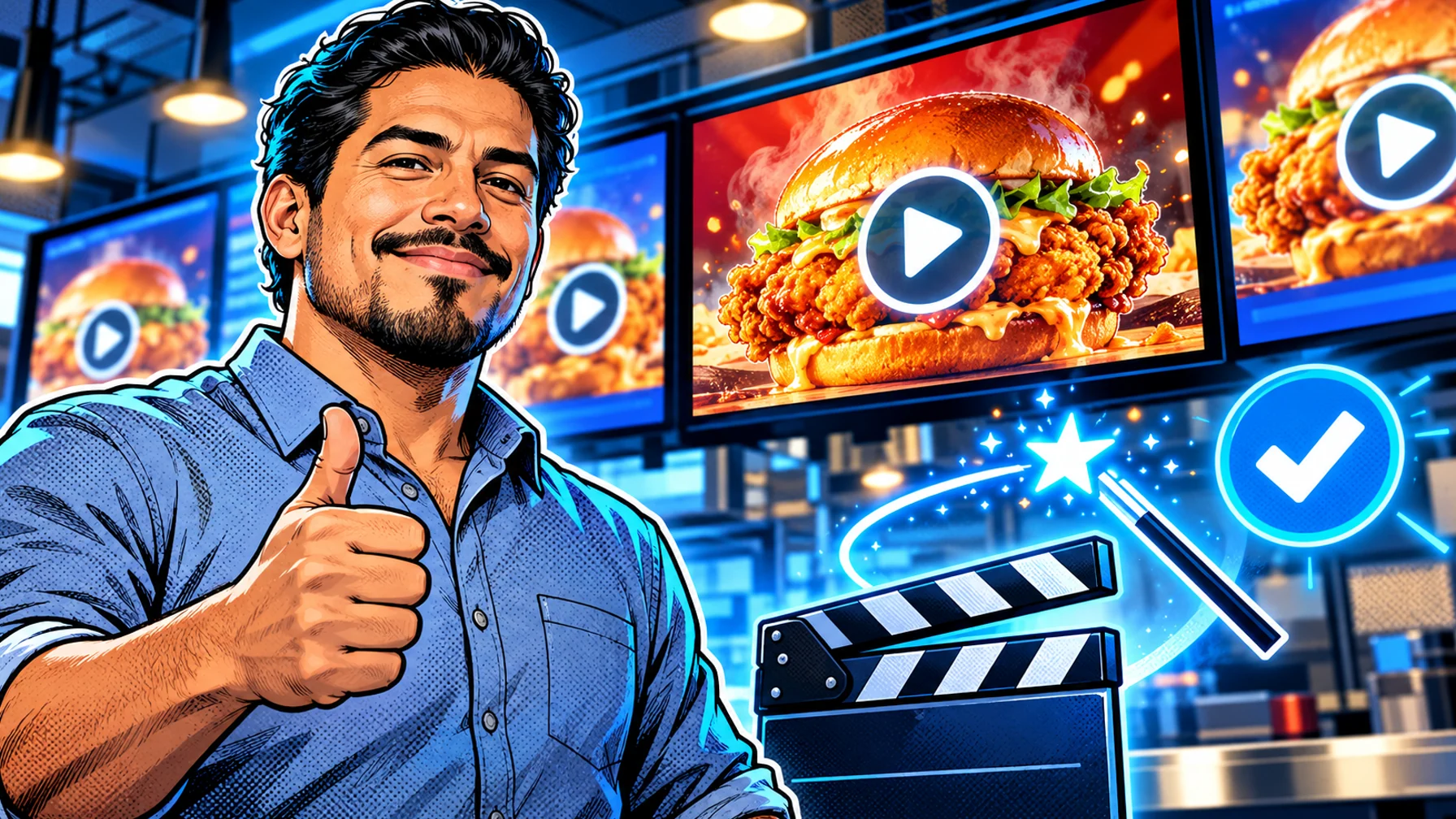
AI menu video templates turn a product photo and a short brief ("new spicy chicken sandwich, lunch offer, ends Sunday") into a few seconds of motion that is ready for a menu screen. For restaurants and QSR brands, the value is not novelty but speed and consistency: more campaign variants, on brand, without waiting for an agency edit. This guide explains how the workflow works and the rules that keep AI content usable on real menu boards.
Why short video works on menu boards
Motion catches the eye from across a counter or a drive-thru lane. A short loop of a hero item, with the price and offer kept clear and readable, can draw attention to the products you most want to sell, while the rest of the board stays static and easy to read.
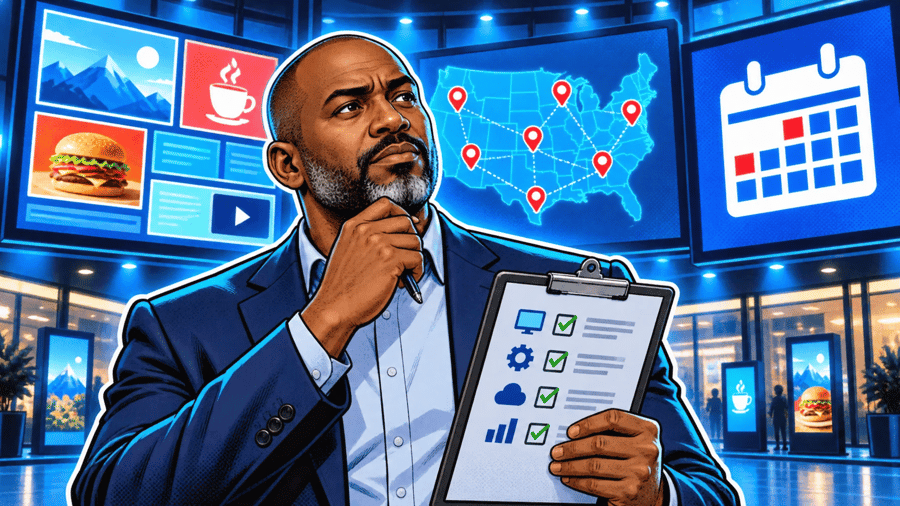
The workflow: from brief to screen
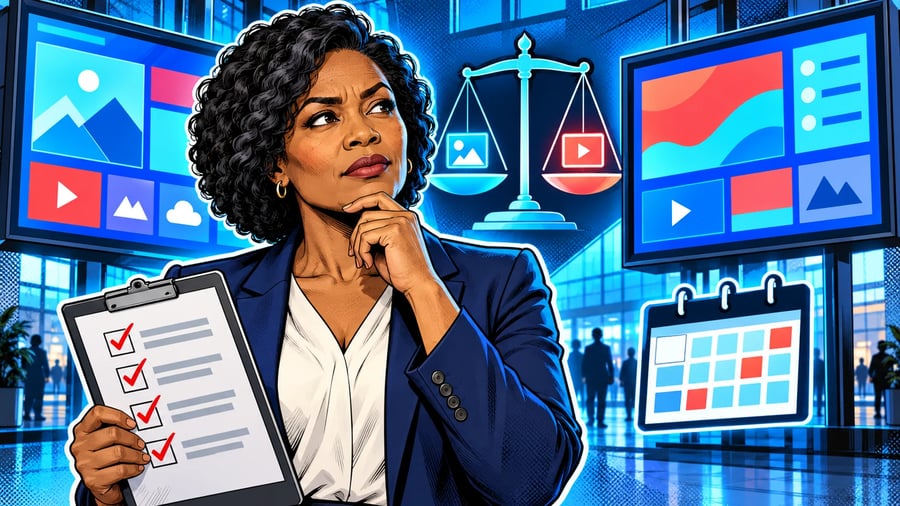
1. Brief. Product, offer, dates, locations and the screens it is for. 2. Brand rules. Logo, colours, fonts, tone, and what the AI must never change (prices, legal copy). 3. Variants. Sizes for each screen and versions for each daypart or location. 4. Review and approval. A person checks every variant before it is scheduled. 5. Scheduling. The video plays only during the offer, on the right screens, and expires on its own.
Rules that keep AI menu videos usable
Keep prices and legal text out of the generated layer. Add them as editable text on top, so they are always correct. Short loops: a few seconds is enough. Readable at distance: large product, simple background, no clutter. Approve everything: AI speeds up production but should never publish without review.
Template ideas
Hero product reveal for a new item. Steam and pour loops for hot drinks. Combo build that assembles a meal deal. Countdown for an offer that ends soon (with the date as editable text). Daypart switch that introduces the breakfast or late-night menu.
Putting it on screen
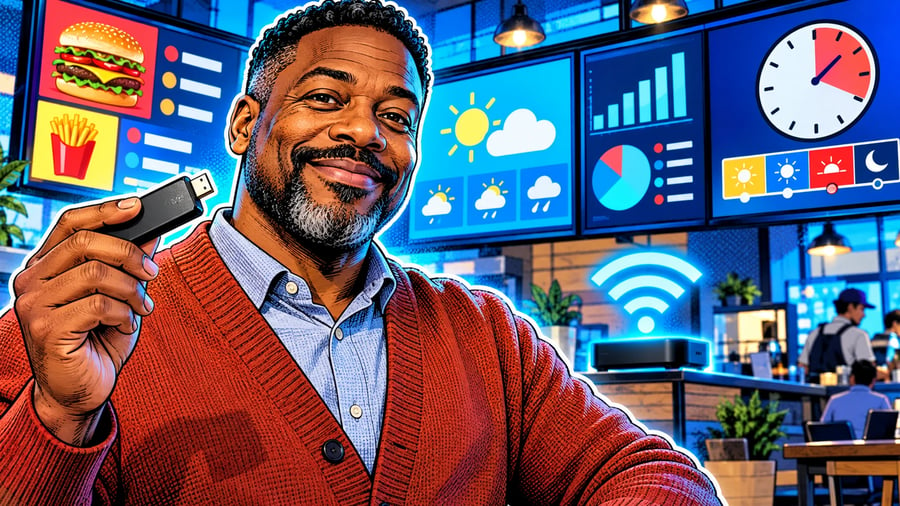
Once approved, schedule the video into your digital menu board playlist by daypart and location. See more ideas on the restaurant digital signage page.
FAQ
Can AI change my prices or menu text? It should not. Keep prices and required text as editable layers outside the generated video.
How long should a menu video be? Short: a loop of a few seconds that reads well from a distance.
Do I still need a designer? For brand rules and templates, yes. AI then produces the variants faster.